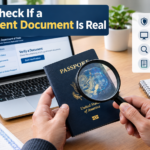
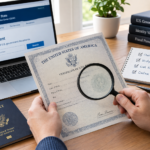





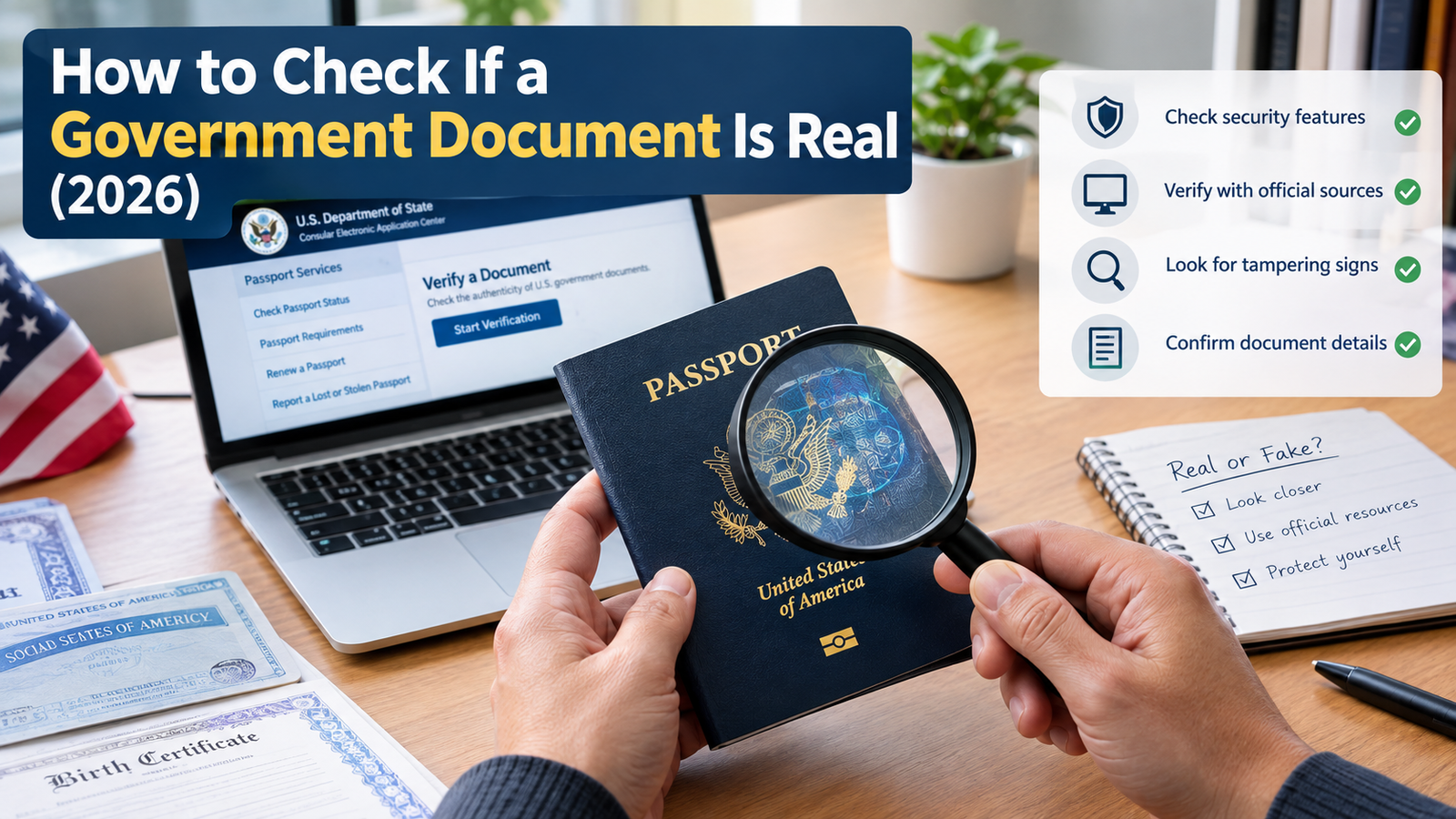
Something lands in your hands — a permit, an official letter, a report with a government seal on it — and you’re not sure whether to trust it. That hesitation is worth listening to. Fake and altered government paperwork circulates more than most people realize, and the good news is that checking one isn’t complicated once you know where to look.
The short version: confirm who actually issued it, verify that agency’s real website, check any identifying numbers against the right official database, and see if at least one other independent source backs up the same facts. Here’s how to actually do each of those.
Start with the 60-second check
Before you go digging, run through this quickly:
- Real issuing authority. The document names an agency or office that genuinely exists and has the power to issue this kind of record.
- Official source. You found it on a government domain or a known, trustworthy archive — not a blog or a random file-sharing link.
- Dates and version line up. A publication date, effective date, or revision number is present and makes sense.
- Identifiers check out. Case numbers, report IDs, permit numbers, or statute references look plausible and match official records.
- Something else confirms it. Ideally, one more independent official source says the same thing.
If any of these feel off, hold off on trusting or sharing the document until you’ve worked through the fuller process below.
Step 1: Confirm who actually issued it
Before anything else, ask: does this agency actually exist, and does it have the authority to produce this kind of document? This is the step people skip most often, and it’s the one that catches the most fakes.
On the document, look for a full agency name (not a vague abbreviation), a specific office or division, and contact details that hold up to scrutiny — a real government office isn’t going to send you an official notice from a personal Gmail account.
Then verify independently. Search the agency’s name along with “official website” and check the domain carefully — for most countries, government sites use a distinct top-level domain or a clearly marked official portal (.gov in the U.S., .gov.uk in the U.K., and so on). Once you’re on the real site, check whether that office actually issues this type of document. An agency that handles parks and recreation probably isn’t the one sending you a tax assessment.
Step 2: Make sure you’re on the real website
Even a flawless-looking PDF can be worthless if it’s hosted in the wrong place. Where you found the document matters just as much as what’s written on it.
If it’s online, look at the URL closely. Government domains are usually distinct and hard to spoof convincingly once you know what to look for. Check for a secure connection, consistent agency branding, and a “last updated” date if the document is a report or form.
If it arrived by email, text, or message, don’t click the link. Type the agency’s domain into your browser yourself and search for the document from there instead. And if someone claims to be calling or emailing from a government office, verify using the phone number listed on the agency’s official website — never the number given in the message itself. That one habit alone stops a huge share of scams.
Step 3: Look closely at the document itself
Open it up and pay attention to details that are easy to gloss over.
The file itself should look normal — official reports usually follow a predictable naming pattern, and you should be suspicious of anything sent as an executable file (.exe, .scr) dressed up as a government document.
Inside the document, check for a logo and letterhead that actually match the agency’s real branding, a clear title, date, author or office, and a case or document number. Formatting — fonts, margins, header and footer style — should look consistent with other things that office has published.
If you can, check the file’s metadata. In most PDF readers this is under “Document Properties,” and it’ll show you the author, creation date, and producer software. If that metadata contradicts the date or agency printed on the document, treat that as a serious warning sign, not a minor glitch.
None of this proves anything by itself, but mismatches here are often the first thing that gives a fake away.
Step 4: Trace the publication trail
Genuine government documents rarely exist in a vacuum — they usually sit inside a larger record you can trace.
Look for a publication or effective date, a version or revision marker, and references to specific laws, regulations, or earlier documents. Then search the document’s title or ID both on the agency’s own site and in a general search engine. Does it turn up anywhere else — an archive, a press release, a citation in another official report?
If the only place this document exists online is a random blog post, treat it as unverified until you find it somewhere official.
Step 5: Validate the identifiers
This step usually settles the question one way or another. Government records almost always come with some kind of number you can independently check:
- Case or docket numbers
- Report or publication numbers
- Permit or license numbers
- Statute or regulation citations
Take that number to the matching official lookup tool — a court records search, a licensing portal, a report archive — and enter it exactly as printed. Confirm the record actually exists, and that names, dates, addresses, and amounts match what’s on your copy. If the number doesn’t exist anywhere, or the details don’t line up, that’s a strong signal the document isn’t legitimate.
Step 6: Check archives if the trail has gone cold
Sometimes a page gets taken down or moved before you get the chance to check it. That’s where archives come in handy.
Check the agency’s own “Publications” or “Archive” section first. If that comes up empty, a general web archive can often show you an earlier snapshot of the page the document was originally posted on. Compare that older version against your copy — same text, same dates, same disclaimers? An archive won’t prove authenticity on its own, but it tells you whether your version matches what was actually public at some point in time.
Step 7: Cross-check against an independent source
Don’t lean on a single source if you don’t have to. Look for the same information showing up in another agency’s database, in an official press release or public register, or cited inside a separate government document. When two or more independent official sources agree on the same facts, that’s about as confident as you can get short of contacting the agency directly and asking.
Mistakes that make fake documents believable
- Trusting something purely because it “looks official” — a seal, a logo, and formal language are the easiest things to fake.
- Clicking a link in an unexpected email or message and assuming the destination is legitimate.
- Brushing past small inconsistencies in names, dates, or numbers because the rest looks convincing.
- Assuming a PDF can’t be edited. It can be, easily, with tools anyone can find in seconds.
- Sharing or acting on a document before checking it against even one independent official source.
If there’s one habit worth building from this, it’s the last one: slow down and verify before you circulate anything.
Frequently asked questions
How can I verify the authenticity of a document? Confirm the issuing agency first, then check the document against that agency’s official website or a known archive, verify any case, report, or permit numbers through official databases, and compare the details across at least two independent official sources.
How do I verify a government website is real? Check the domain carefully against the agency’s known official domain pattern, confirm the branding and contact information match what you’d expect, and look for a secure connection with no unusual redirects. If you’re not sure, navigate from a trusted official portal instead of clicking a link someone sent you.
Can government documents be verified online? In most cases, yes. Agencies commonly provide online lookup tools for court cases and dockets, business and professional licenses, permits and inspections, and published reports and notices. Find the agency’s own search tool, enter the identifier from your document, and confirm it matches.
How do I check if a certificate is genuine? Treat it the same as any other official record: identify the issuing office, find its verification tool on its own website, enter the certificate number and any other required details, and compare the result line by line against your copy. If no online lookup exists, call the office directly using a number from its official site — not one printed on the certificate.
Let me know your country or state and the type of document you’re checking — a court order, a business license, a report, a certificate — and I can point you to the exact portal and fields to verify for that specific case.
Learn how to check if a government document is real — confirm the issuing agency, verify official sources, and validate key identifiers before you trust it.