



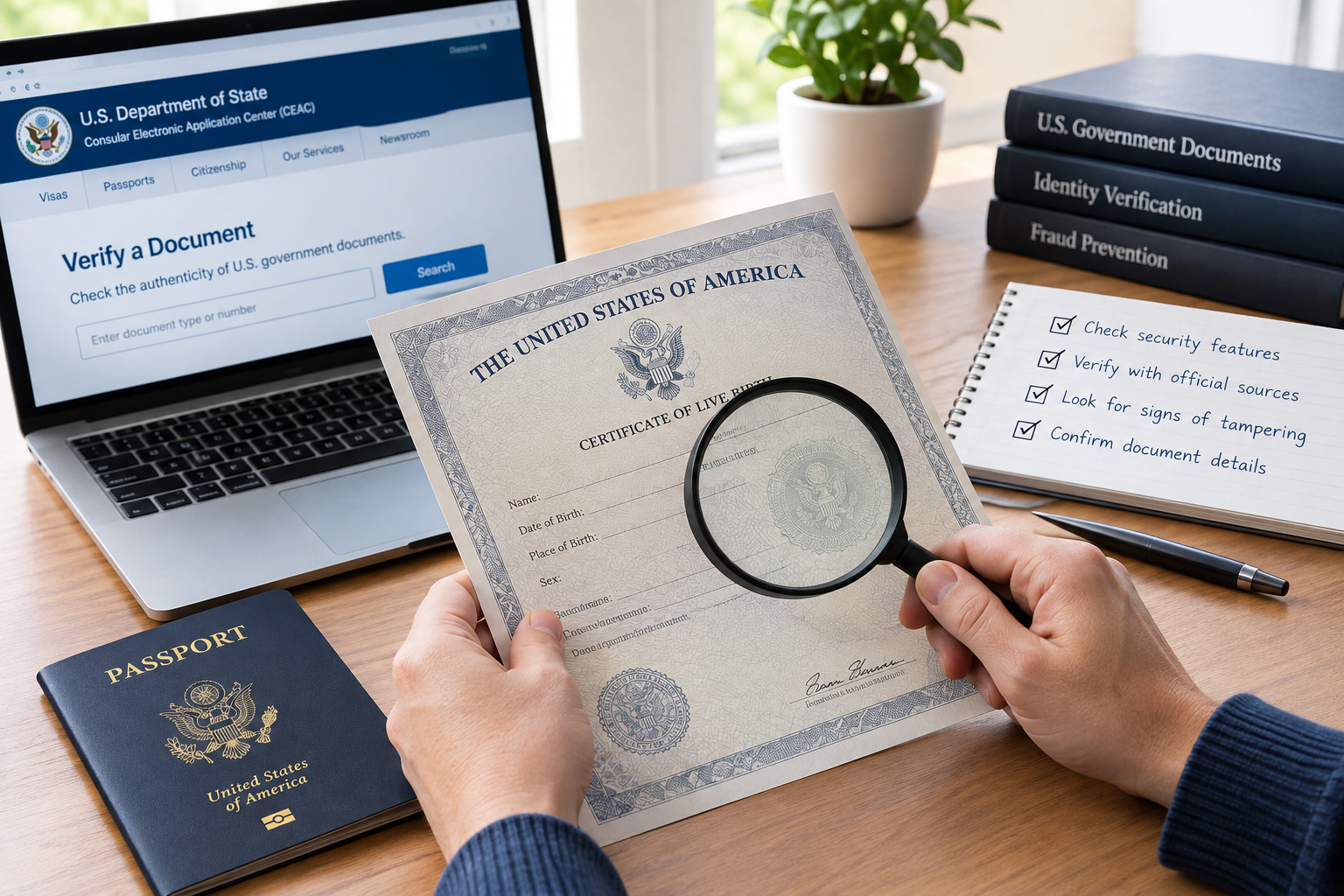
You got a document — maybe a court notice, a business license, a federal report, or something that landed in your inbox claiming to be “official” — and something about it doesn’t sit right. Good instinct. Fake and altered government documents are everywhere, and most people never learn how to actually check one.
The short version: figure out who supposedly issued it, verify that agency’s real website, run any case or license numbers through the official lookup system, and cross-check the details against at least one other independent government source. If a document only holds up when you don’t look too closely, it doesn’t hold up.
Here’s the longer version, with the actual tools you’ll use.
The 60-second gut check
Before doing any deep digging, run through this:
- Does a real agency issue this? Not a name that sounds official — an actual federal, state, or local agency you can find on your own.
- Where did you find it? A
.govdomain or a known official archive is a green flag. A blog, file-sharing site, or forwarded email is not. - Do the dates make sense? Publication date, effective date, revision number — they should be present and internally consistent.
- Does the identifier check out? Case number, license number, docket ID, report number — plug it into the right database and see if it’s real.
- Does anything else confirm it? One more official source saying the same thing goes a long way.
If any of these feel shaky, don’t act on the document yet — finish the steps below first.
Step 1: Figure out who actually issued it
This sounds obvious, but it’s where most people skip ahead. Before you trust anything on the page, confirm the issuing office is real and actually has the authority to produce this kind of document.
What to look for on the document itself: a full agency name (not just an abbreviation), a specific office or division, and contact information that isn’t a generic Gmail address. Government offices don’t send official notices from @gmail.com.
Then go verify it independently. Search the agency’s name along with “official website,” and check that the domain you land on ends in .gov. Once you’re there, look at the “About” or “Contact” page — does this office actually publish this type of record? A parks department issuing a tax notice, for example, is a red flag on its own.
Step 2: Check where the document actually lives
A document can look flawless and still be fake if it’s hosted in the wrong place. Where you found it matters almost as much as what’s in it.
If it’s online: federal agencies use .gov — think irs.gov, uscis.gov, ssa.gov. States and localities mostly do too, though the exact pattern varies, so check your state’s official portal if you’re unsure. Look for a secure connection, consistent agency branding, and (for reports and forms) a visible “last updated” date.
If it came by email, text, or DM: don’t click the link. Type the agency’s domain into your browser yourself and navigate to the document from there. If someone claims to represent an agency, call the number listed on the agency’s actual website — not the one in the message you received. Scammers are very good at making a callback number feel legitimate.
Step 3: Look closely at the document itself
Open the file and pay attention to the small stuff.
The file type and name should look normal — official reports usually follow a predictable naming pattern. Be wary of anything sent as an executable file (.exe, .scr) dressed up as an official document; agencies don’t do that.
The content should include a proper agency logo and letterhead that match what you see on the real site, a clear title, date, author or office, and a document or case number. Check that fonts, margins, and formatting look consistent with other things that agency has published.
If you’re on a computer, check the file metadata — in most PDF readers this is under “Document Properties.” Look at the author, creation date, and producer fields. If the metadata says the file was created two years after the date printed on the document, that’s a real problem, not a technicality.
None of this alone proves anything, but a mismatch here is often the first sign something’s wrong.
Step 4: Check the dates and publication trail
Real government documents rarely exist in isolation — they’re usually part of a paper trail you can follow.
Look for a publication or effective date, a version or revision marker (something like “Rev. 2, January 2026”), and references to specific laws, regulations, or earlier documents. Then search the document’s title or ID number both on the agency’s site and in a regular search engine. Does it show up anywhere else — in an archive, a press release, another government report?
If the only place you can find this document is a random blog post or a file-sharing link, that’s your answer for now: unverified.
Step 5: Run the identifiers through official lookups
This is the step that actually settles most cases. U.S. government records almost always come with some kind of number you can independently verify:
- Court case or docket numbers
- Report or publication numbers
- Business, professional, or building permit and license numbers
- Statute or regulation citations (like “5 U.S.C. § 552”)
Take that number to the matching official portal — court docket search, state license lookup, federal report archive — and enter it exactly as printed. Confirm the record actually exists, and that the names, dates, addresses, and amounts on the real record match what’s on your document. If the number doesn’t exist, or the details don’t line up, treat the document as fraudulent until proven otherwise.
Step 6: Use archives if the trail has gone cold
Sometimes a page gets taken down or moved before you get to check it. Archives can still help.
Check the agency’s own “Publications” or “Archive” section first. If that doesn’t turn anything up, a general web archive — the Wayback Machine, for instance — can show you an earlier snapshot of the page where the document was originally posted. Compare that archived version against your copy: same text, same dates, same disclaimers? An archive won’t prove a document is authentic on its own, but it will tell you whether your copy matches what was actually public at some point.
Step 7: Confirm it against a second, independent source
Never rely on a single source if you don’t have to. Look for the same information in another agency’s database or report, in an official press release or public register, or cited inside a separate government document — a report mentioned in a congressional hearing transcript, for example. When two or more independent government sources agree, that’s about as confident as you can get without contacting the agency directly.
The main tools people actually use
Federal court records: PACER
For anything involving a federal district, appellate, or bankruptcy case, PACER (Public Access to Court Electronic Records) is the system of record, run by the Administrative Office of the U.S. Courts. It gives you access to federal case files and dockets, and its Case Locator lets you search across every federal court at once if you don’t know exactly where a case was filed.
To use it: register for a free account at pacer.uscourts.gov, then search by case number, party name, or court. Compare what you find — filings, order dates, party names — against your copy of the document. There’s a small per-page fee (about 10 cents a page, capped at $3 per document), though most users end up paying nothing because charges under $30 a quarter are waived. A handful of nongovernment sites mirror PACER filings for free, but treat the official PACER record as the source of truth, not the mirror.
Business and professional licenses: state by state
There’s no single national business registry in the U.S. — each state runs its own, usually through the Secretary of State’s office (sometimes called something else, depending on the state). To check a company or professional certificate:
- Find the state of formation printed on the document.
- Go to that state’s official business search portal.
- Search by entity name or filing number.
- Compare the entity name, filing date, entity type, and current status (active, dissolved, suspended) against what’s on your document.
For licensed professionals — attorneys, CPAs, doctors, real estate agents — check the relevant state licensing board directly, or a national verification tool where one exists (NASBA for accountants, state bar directories for lawyers, and so on).
Federal and financial registries worth knowing
Depending on what you’re checking, a few federal tools add another layer:
- FinCEN’s MSB registrant search — for money services businesses
- NMLS Consumer Access — for state-licensed mortgage and money-transmitter companies
- SEC EDGAR — for publicly traded and SEC-registered companies
- OFAC’s Sanctions List search — for checking whether an entity or individual is under U.S. sanctions
None of these replace a state-level registration check, but together they round out the picture, especially for anything involving money.
Mistakes that make people fall for fake documents
- Trusting something purely because it “looks official” — a seal, a logo, and formal-sounding language are trivial to fake.
- Clicking a link in an unexpected email or text and assuming the site it opens is legitimate.
- Glossing over small inconsistencies in names, dates, or numbers because everything else looks right.
- Assuming a PDF can’t be edited. It can — easily, with tools anyone can download.
- Sharing or acting on a document before checking it against even one independent government source.
If you take one thing from this guide, make it that last habit: slow down and verify before you circulate anything.
Frequently asked questions
How do I verify a document is authentic? Confirm the issuing agency, check it against that agency’s official .gov site or archive, run any case, license, or report number through the matching official database, and compare the details across at least two independent government sources.
How do I know if a government website is real? Check that the domain ends in .gov (federal sites always do; most state and local ones too). Confirm the branding, contact information, and “About” page line up with what you’d expect from that agency, and look for a secure https:// connection with no odd redirects. If you’re not sure, start from a trusted hub like usa.gov instead of clicking a link someone sent you.
Can documents actually be verified online? Yes, in most cases. Federal and state courts have searchable dockets (PACER for federal cases), states have business and license lookup portals, and most agencies publish their reports, orders, and notices directly on their own sites. Find the agency’s official search tool, enter the identifier from your document, and check that it matches.
How do I check if a certificate is genuine? Treat it the same way you’d treat any other official record: identify the issuing office (vital records, a licensing board, a court), find that office’s verification tool on its own website, enter the certificate number and any other required details, and compare the result against your copy line by line. If there’s no online lookup, call the office directly using a number from its official site — not one printed on the certificate.
Have a specific document in mind — a state business license, a federal court order, an IRS notice, a birth certificate? Tell me which one and I can point you to the exact portal and fields to check.
Learn how to check if a U.S. government document is real using official .gov sites, PACER, state registries, and step-by-step verification checks.